

Notice to Internet Explorer users
Server security: Please note Internet Explorer users with versions 9 and 10 now need to enable TLS 1.1 and 1.2 encrytion protocols in order to access the secure sections of our site, including checkout and account access. Windows users should also consider upgrading to Internet Explorer 11, Microsoft Edge, or switching to Firefox or Chrome.
Instructions for Enabling TLS 1.1 and 1.2 in Internet Explorer versions 9 and 10.
1) On the Internet Explorer Tools menu, click Internet Options. 2) In the Internet Options dialog box, click the Advanced tab. 3) In the Security category towards the bottom, check "Use TLS 1.1" and "Use TLS 1.2". 4) Click OK. 5) Exit and restart Internet Explorer.
1) On the Internet Explorer Tools menu, click Internet Options. 2) In the Internet Options dialog box, click the Advanced tab. 3) In the Security category towards the bottom, check "Use TLS 1.1" and "Use TLS 1.2". 4) Click OK. 5) Exit and restart Internet Explorer.
Contemporary fiction
-
 £12.99 More info
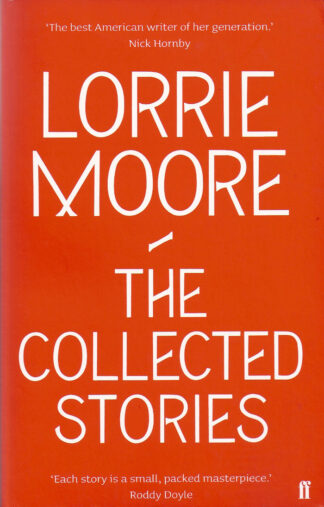
The Collected Stories
Lorrie Moore -
 £8.99 More info
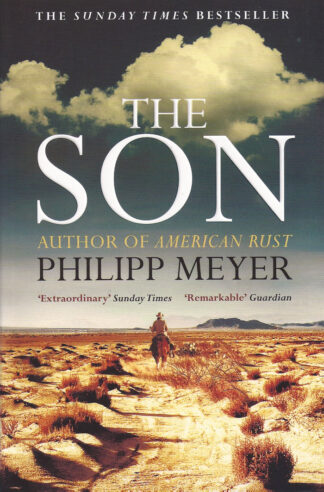
The Son
Philipp Meyer -
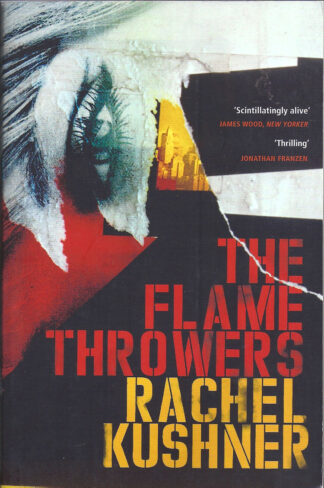 £8.99 More info
The Flamethrowers
Rachel Kushner -
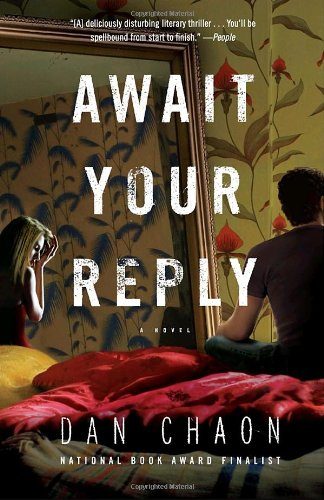 £9.99 More info
Await your reply
Dan Chaon -
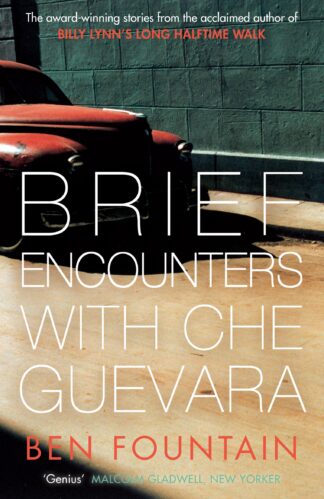 £9.99 More info
Brief encounters with Che Guevara
Ben Fountain
Showing 1793–1797 of 1797 resultsSorted by latest
Create a wishlist from our online range, either for yourself or to share. Easy to set up, just login or register and you’ll be off with your own wishlist!
-
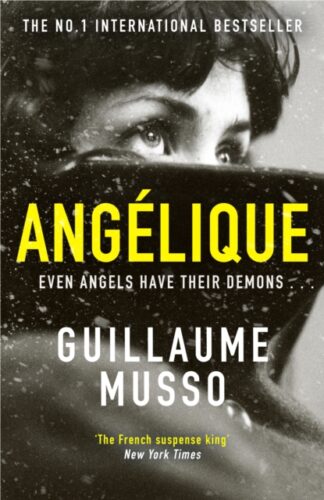 Angelique
£10.99 -
 The Ice Palace
£8.99 -
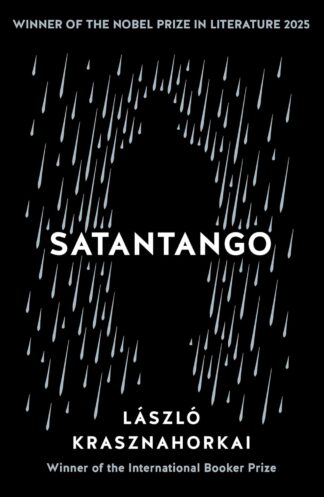 Satantango
£10.99 -
 The Diary of Wiska Wildflower
£7.99 -
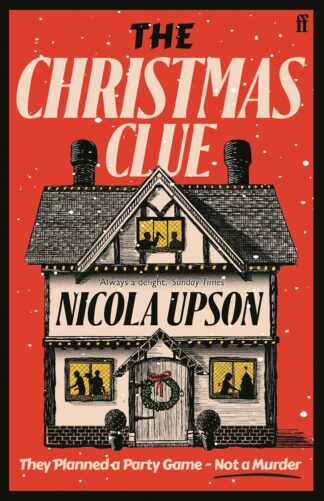 The Christmas Clue Nicola Upson
£10.00 -
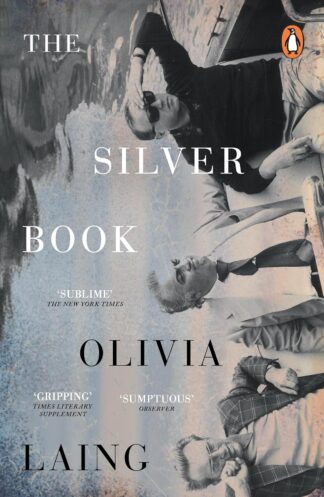 The Silver Book
£9.99 -
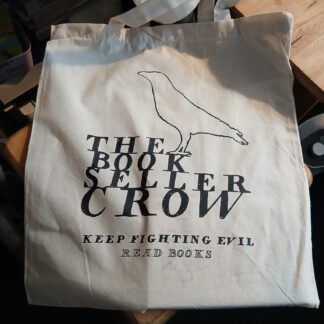 Crow Fundraiser Tote
£5.00
Crow Fundraiser Tote
£5.00
-
 Wings: The Story of a Band on the Run
£35.00 -
 Bread of Angels
£22.00 -
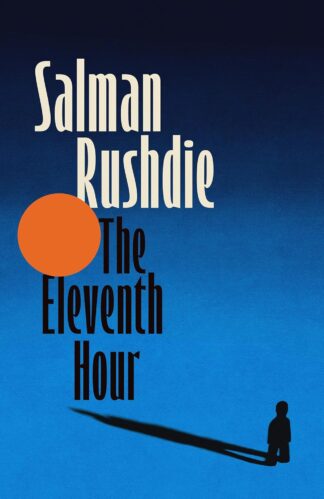 The Eleventh Hour
£18.99 -
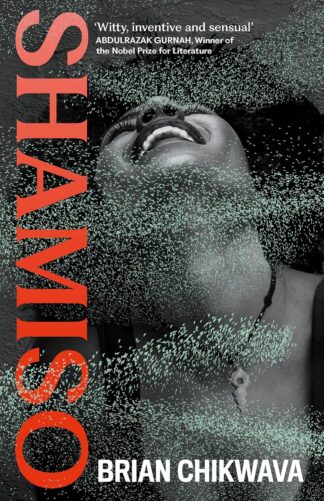 Shamiso
£12.99 -
 Jesus Christ Kinski
Free